


New York City · Network · AV · Security · Managed IT
The physical side and the managed side of your office technology, from one team.
Eclipse designs and installs what’s inside your walls — cabling, Wi‑Fi, conference rooms, cameras, door access — and then runs what sits on top of it: helpdesk, endpoints, cloud, and monitoring. One point of contact for the whole stack.
Most firms do one of these. We do all three.
Build
Office build-outs and moves, structured cabling, network design, wireless, and conference room AV — designed for the actual floor plan and installed to be supported for years.
Secure
Cameras, access control, and the firewall and endpoint protection behind them. Physical and network security specified together, because in an office they are the same problem.
Run
Managed IT for the day-to-day: helpdesk, remote monitoring and management, Microsoft 365 / Google Workspace administration, backup, and the connectivity contracts nobody wants to manage.
When people call us
Situations we’re built for.
Moving into a new space. A lease is signed, the architect has a plan, and someone needs to own internet, cabling, Wi‑Fi, phones, AV, cameras, and doors before day one. Don’t call 4 vendors, call Eclipse.
Conference rooms nobody trusts, or that can’t join your external partner’s meetings. The screen works when it feels like it. Calls drop. Meetings start ten minutes late because nobody has the passcode. Eclipse designs rooms with reliable connection and impressive audio, that sync natively to your work calendar so joining a scheduled meeting is a single tap, no hunting down ID’s and passcodes, and are ready to join any and all major meeting platforms in the modern age.
Growing past the “IT guy.” The person who set things up isn’t around, documentation doesn’t exist, and every new hire is a scramble. Eclipse provides training and How-To documentation for all installed systems so you don’t have to figure it out yourself.
Wi‑Fi that never got designed. Access points were placed where the ceiling tiles were easy. The network deserves a plan - Eclipse will produce either an active or passive WiFi survey to ensure maximum coverage and reliability across the entire space so as you roam, you stay connected.
Recent work · New York City
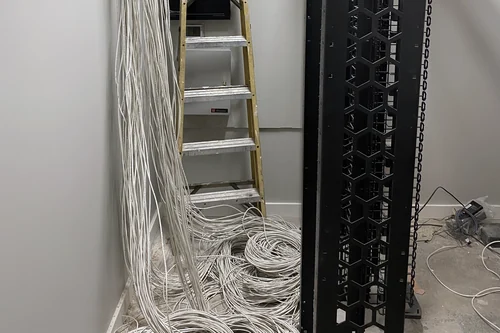
IDF in progress 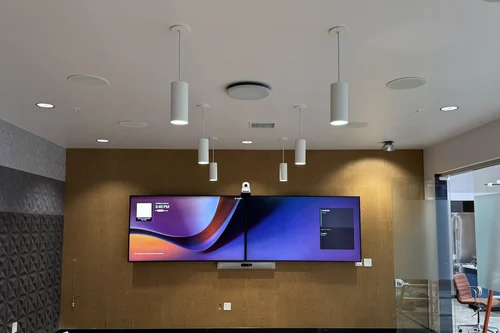
Cisco · Dual display, dual camera, ceiling mics and speakers 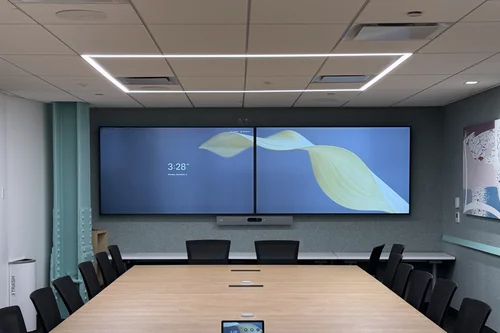
Cisco · Table mics, dual display 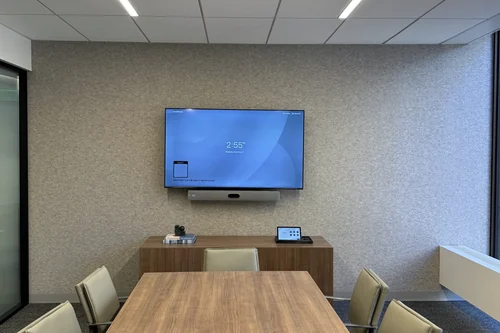
Cisco · Conference room 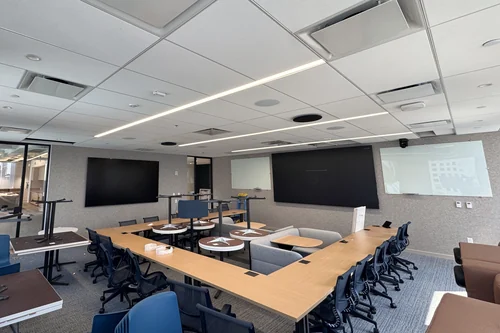
136" video wall, 115" side display 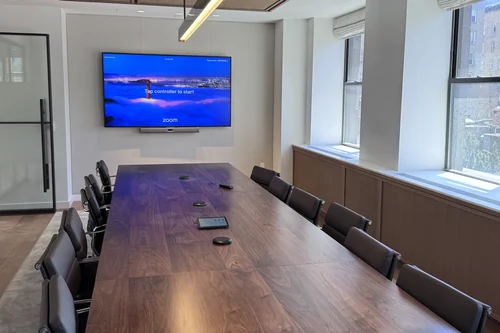
Neat · Table mics 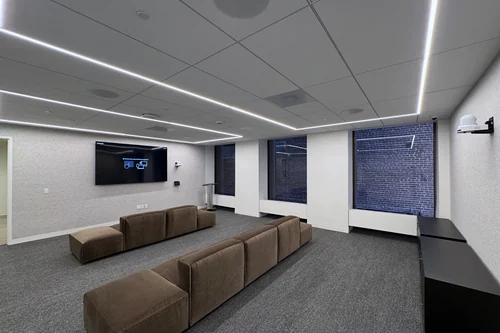
Cisco · Multipurpose room 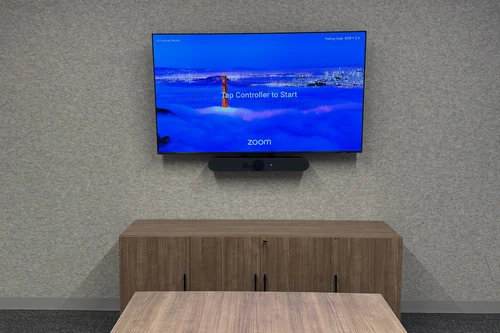
Logitech · Conference room 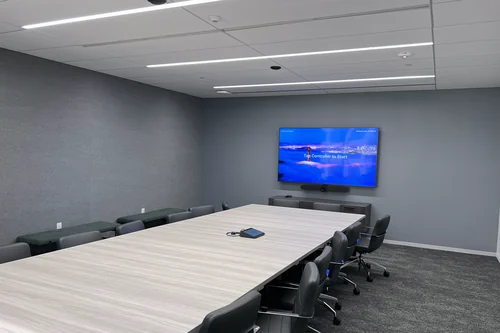
Logitech · Ceiling mics, HDMI and USB-C at the table 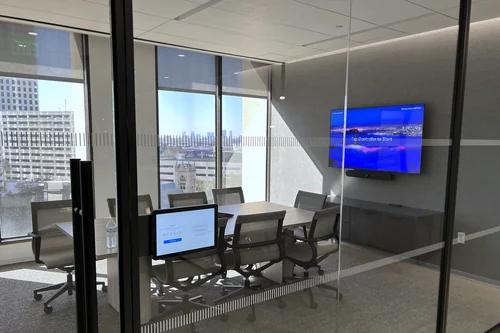
Logitech · Room scheduler 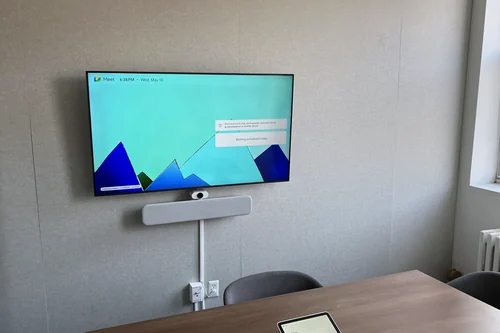
Google Meet · Huddle room 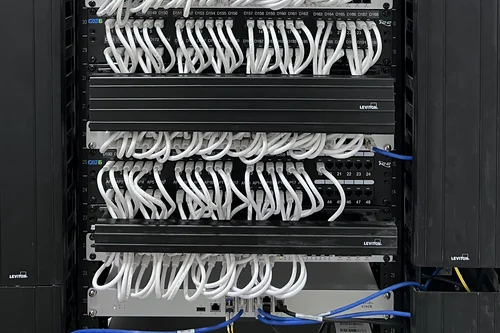
Cisco · Network rack 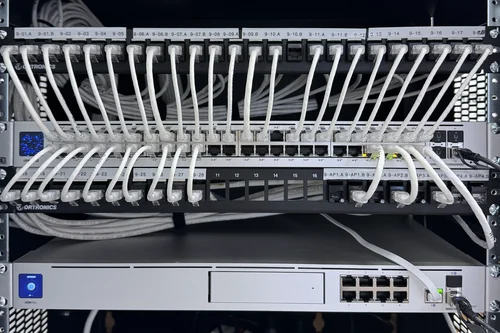
Ubiquiti · Network rack
How we work
Built around your office, not a service tier.
We don’t sell fixed packages. We look at the space, the people, and the systems you already have, then scope what’s actually needed — and we say plainly when something isn’t. Because we design what we install and support what we design, there’s no hand-off where accountability disappears.
Monitoring
We watch the networks we build.
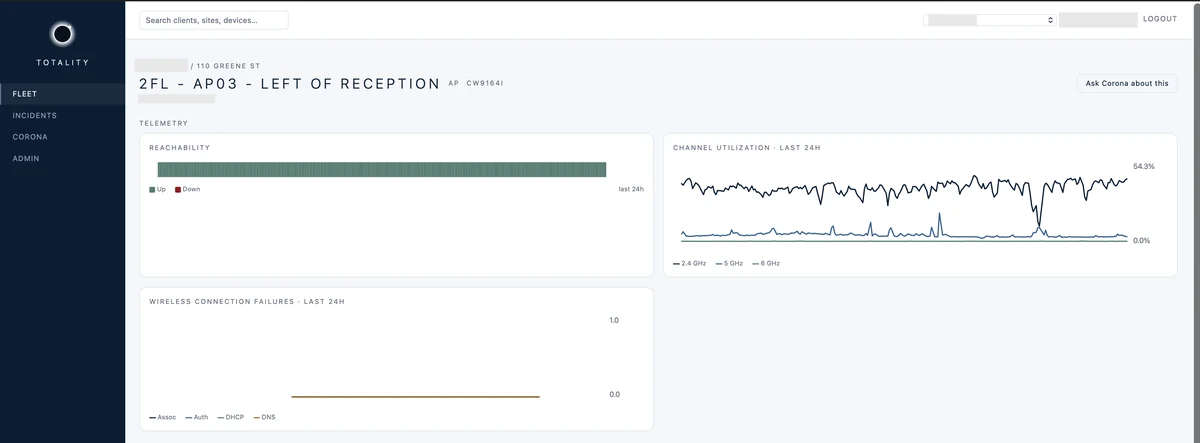
Off-the-shelf monitoring tools alert on everything and get ignored. So we built Totality: a network operations platform that learns what normal looks like for each site and flags what actually changed — before someone in the office notices.
Start with the space.
Tell us what you’re moving into, building out, or trying to fix. We’ll come look at it and tell you what we’d do.
Contact Eclipse